

1)
Go to the wallet icon
2)
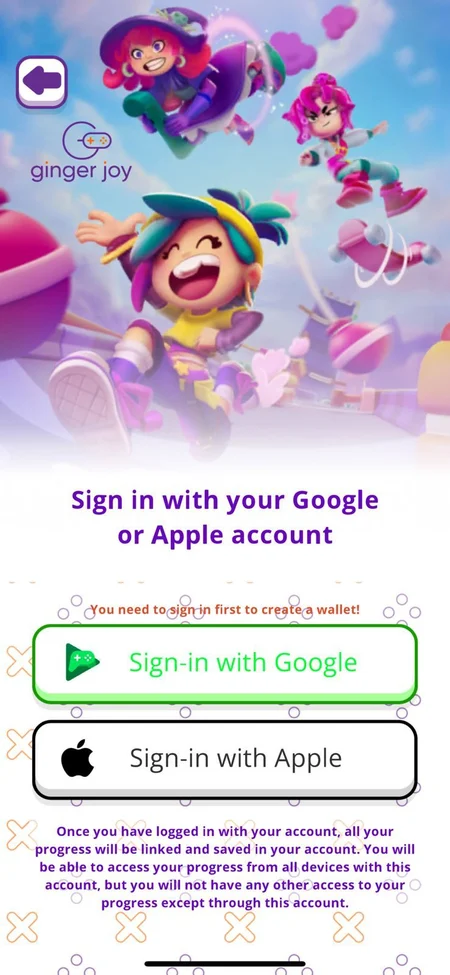
Select you mobile store
3)
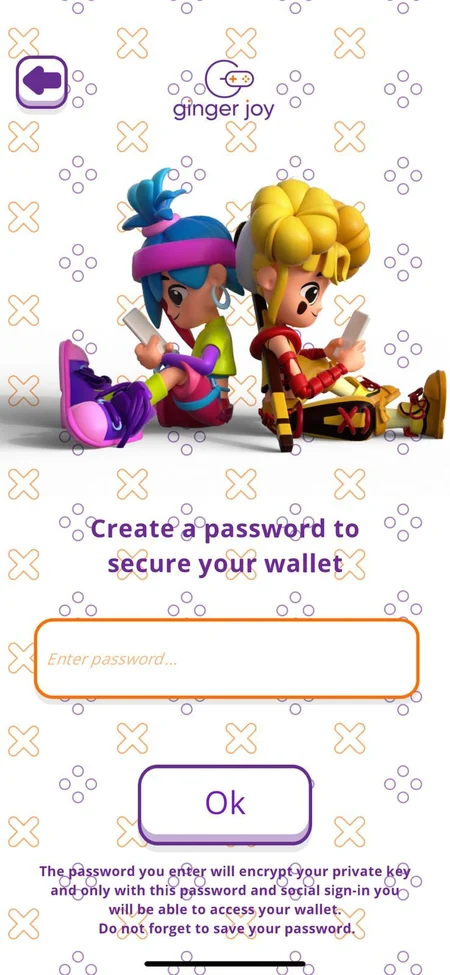
After downloading it, your user will need a password
4)
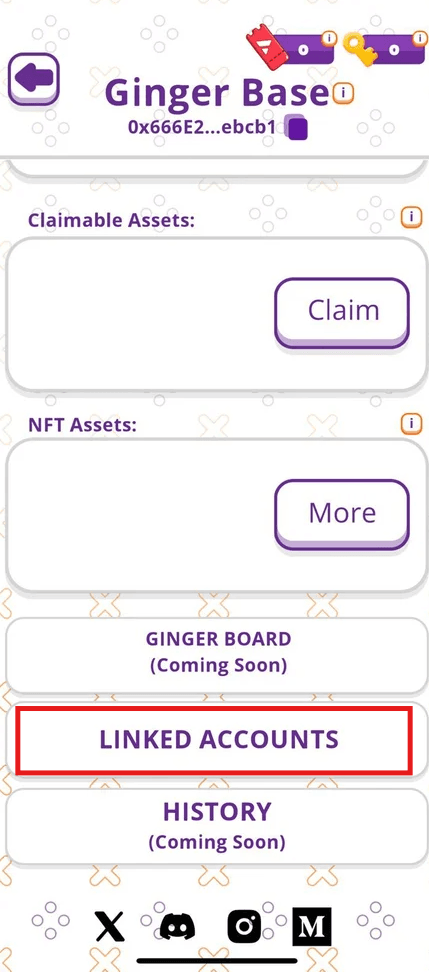
Tap on Linked Accounts at the bottom
5)
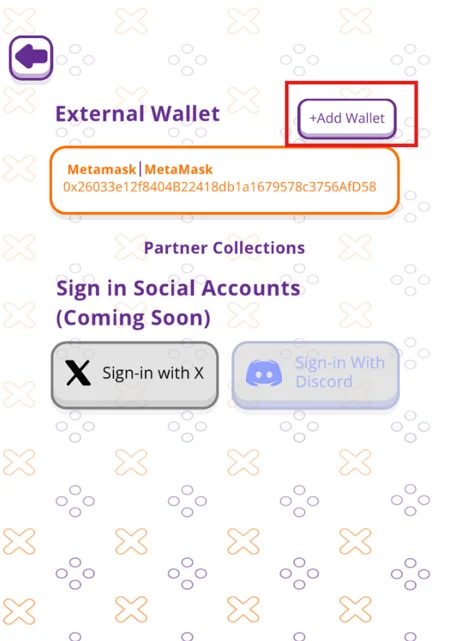
Tap on Add Wallet and add Playfull-linked Wallet

6)
You will see your assets, coins, advance, and character in the main menu